You have been writing Delta tables for weeks, maybe months. Then a table slows down, a bad load corrupts your silver layer, or a report breaks overnight. You open the Lakehouse, stare at the table name, and realize you have no idea what is physically inside it. That gap between "I can write saveAsTable" and "I can diagnose what went wrong" is where most Microsoft Fabric practitioners get stuck.
The answer is almost always in two places: the Parquet file layout or the Delta transaction log.
Why Parquet's columnar layout matters when your Delta table is slow
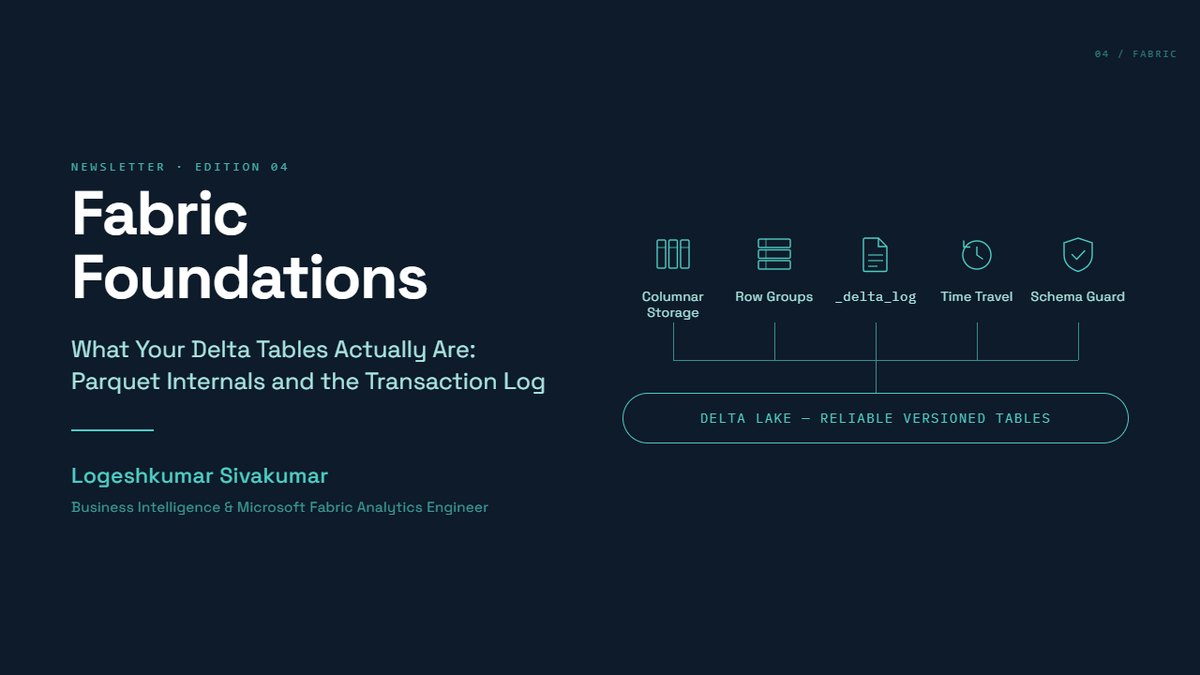
Parquet is a columnar file format where all values of a single column are stored together, instead of row by row the way CSV works. That layout gives analytics engines three things: column pruning reads only the columns a query needs, similar values in one column compress far better than mixed row data, and Min/Max statistics stored in the file footer let the engine skip entire chunks that cannot match a filter value.
Inside a single Parquet file, rows are split into Row Groups (horizontal slices of roughly one to two million rows). Each row group holds Column Chunks (all values for one column), and each chunk breaks into pages where encoding and compression happen. The Footer at the end stores the schema and per-column min/max statistics per row group. Those footer statistics are how predicate pushdown works. They are also why file count matters: thousands of tiny Parquet files mean thousands of footers and seek overhead. That small-file problem is exactly what OPTIMIZE exists to fix.
What the Delta Lake transaction log actually contains
A Delta table in Microsoft Fabric is not one file. It is a folder of Parquet data files plus a deltalog subfolder containing numbered JSON commit files. Each JSON records which Parquet files were added and which were removed by that transaction. To read the table, the engine replays the log and builds the current set of valid files.
That single mechanism gives you ACID transactions (a write either fully commits or does not), time travel (every commit is a quarriable version via VERSION AS OF), schema enforcement (writes with mismatched columns are rejected by default), and reliable concurrent reads.
SQL: SELECT * FROM table_name VERSION AS OF 1;
Pyspark:
spark.read.format("delta").option("versionAsOf", 0).load(table_path)
Delta never rewrites a Parquet file in place. It writes new files and logs the change. Old files stay on disk until VACUUM removes them.
This is the part people skip, then spend an afternoon wondering why a table "reverted" after a cleanup they did not understand.
Schema enforcement: the default that saves your silver layer
Delta rejects writes whose schema does not match the table. That default-safe behavior stops a silent column rename or type change upstream from corrupting everything downstream. When you genuinely need to add a column, you opt in deliberately with "mergeSchema" set to true. Enforcement is the safety net. Evolution is the conscious choice.
When Parquet internals and the Delta log save you
The next time a table is slow, check whether it has thousands of small Parquet files. When a bad load lands, run DESCRIBE HISTORY to find the last good version and query it with VERSION AS OF before restoring. When a report breaks after an upstream schema change, Delta's enforcement error tells you exactly what shifted. Every diagnostic path runs through the Parquet layout or the deltalog.
Previous in this series: Notebook in Microsoft Fabric: Know the PySpark Engine Before You Write the Code
References:
- Delta Lake overview, Microsoft Fabric (Microsoft Learn)
- Lakehouse and Delta tables, Microsoft Fabric (Microsoft Learn)
- Apache Parquet format (parquet.apache.org)
#DeltaLake #Parquet #MicrosoftFabric #TransactionLog #DataEngineering #PowerBI #OneLake #Lakehouse